How it works
Three steps
Register a tag
Hand out wristbands, cards or stickers and register each to a name as people arrive. Any NFC tag works, and they are reused at the next event.
Tap to sell
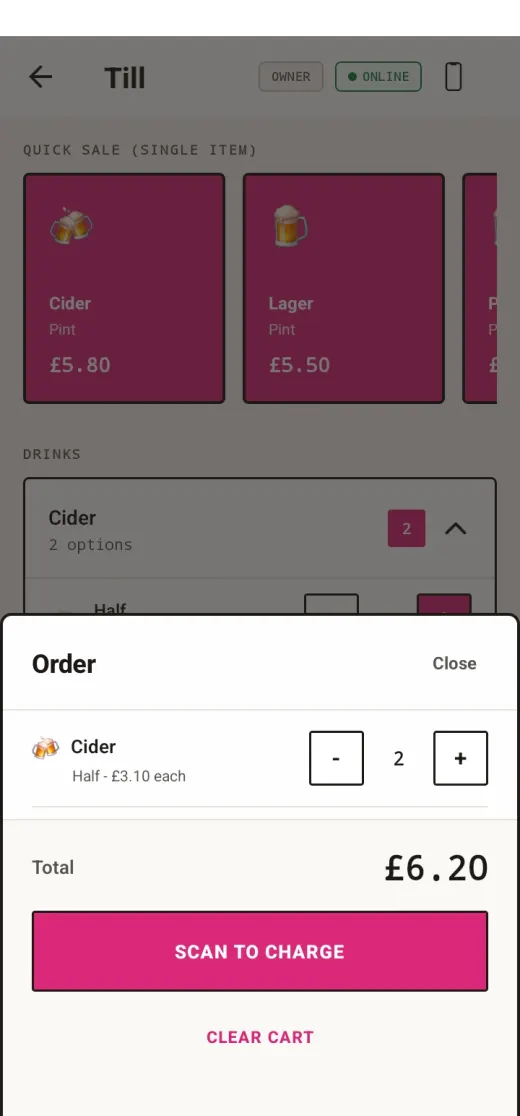
Ring up the sale on quick tiles or a full cart, then tap the tag. It's okay if there's no internet, everything is saved and syncs when the internet comes back.
Settle up
Every tap is saved, so you know who had what. Export transactions, customers and menu to CSV and settle however suits.
What you get
What the till does
Bars, food stalls, merch stands, honesty fridges, kit stores. If a tap can record it, Plink can sell it, log it or count it.
Offline first
Works without signal
Sales queue on the phone and sync later.
Self service
Kiosk mode
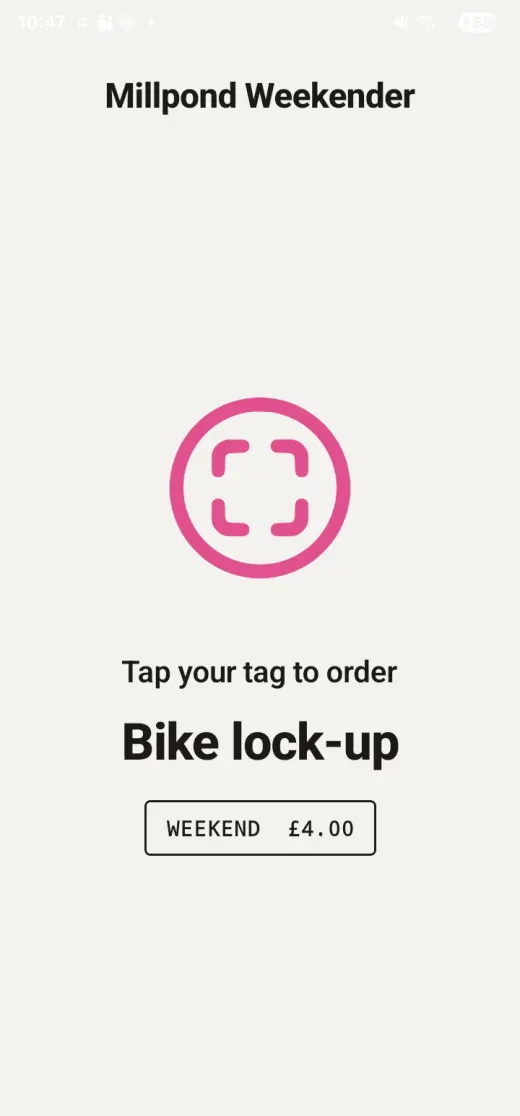
Stand a phone up as an unattended till. Customers tap to order for themselves.
Staff sign-in
Optional till locks
Staff unlock the till with a PIN or their own staff tag, so every sale is associated with an operator.
Reporting
Advanced analytics
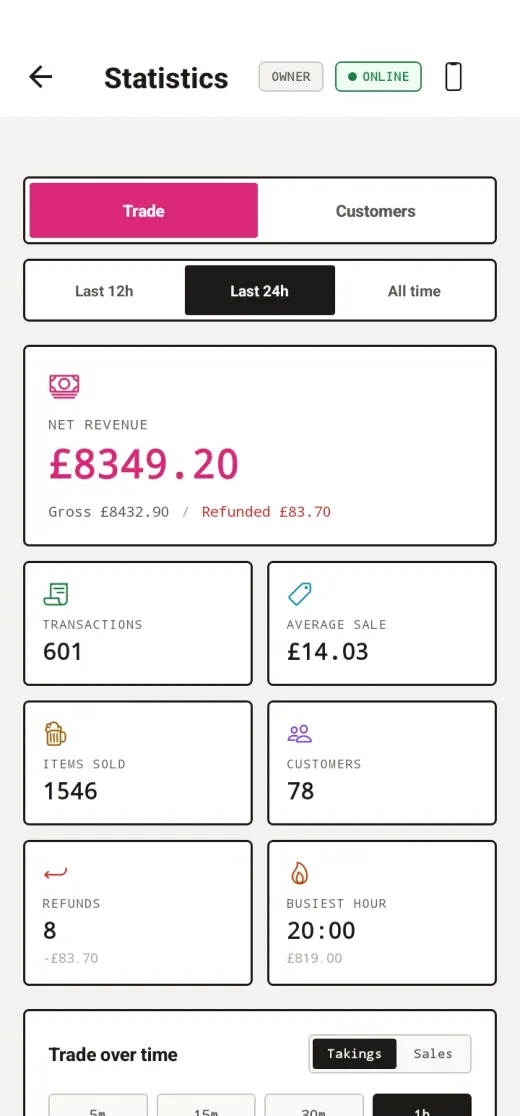
What went, when, and what proved popular: revenue and counts by category, item, operator and till.
Refunds
Confirmed by tap
Full and partial refunds, matched to the customer by tapping their tag.
Your data
CSV out, CSV in
Export transactions, customers and menu. Import a guestlist before doors open.
The board
What's selling then?
Load up the web-based dashboard on any screen you like and see live takings, top sellers and optional leaderboards.