What it does
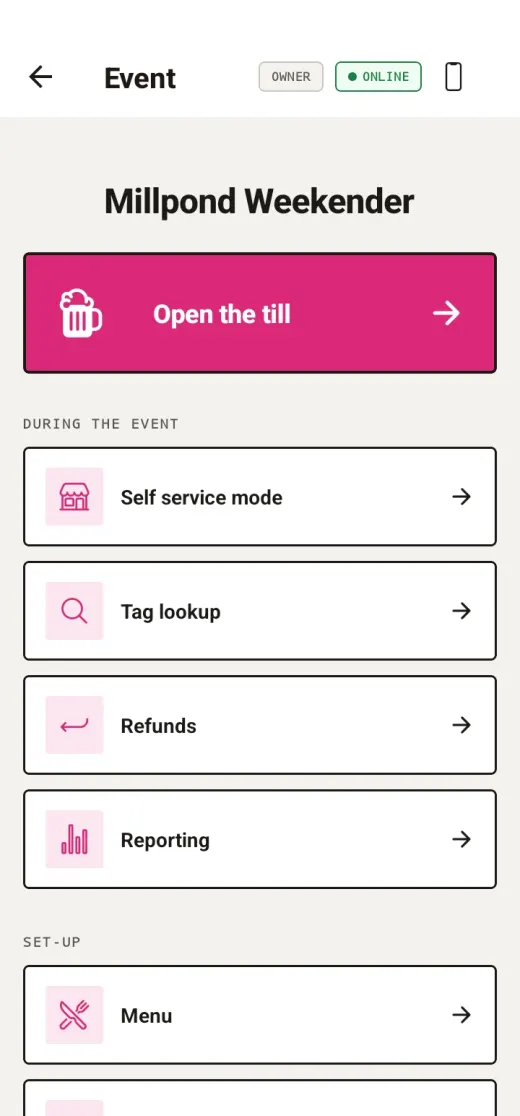
An organiser hands out tags, whether wristbands, cards or stickers, and registers each one to a person as they arrive. From then on a tap is enough. Staff ring up an order on a phone and tap the tag, and the sale goes on that person's tab to be settled up afterwards, however the organiser already settles up with people. Where no money is involved, the same tap keeps a count instead.
A till is any Android phone with NFC, or a phone stood up in self service mode for customers to use themselves, or a phone with an ACS ACR1252U reader plugged in over USB where a fixed counter suits better. Several tills can run on one event at once, and each is given only the powers it needs beyond selling.
Money and settling up
As it stands today, Plink is a tab system, not a payment processor. That decides what the app can be:
- No card or bank details go anywhere near the app. There is no payment terminal, no card reader integration and no payment provider behind it.
- There is no balance on a tag and no top-up. A tag holds no value, which is why losing one costs you the price of the tag.
- A tap writes a record of what somebody owes, in the way a paper tab behind a bar always has. Settling up happens outside the app entirely.
The practical effect is that an organiser can start on a Friday afternoon without an account with anybody, a compliance review or a card machine contract. The trade-off is that, for now, Plink will not take the money for you.
Letting customers top a tag up in advance is on the roadmap. Prepaid credit is money held on somebody's behalf, and it carries obligations a tab does not, so it needs doing properly. None of the three points above changes until that work is done and this page says so.
What it reads
Plink reads a tag's hardware identifier and nothing else. It never reads or writes what is stored on a tag, never formats one, and ignores whatever might already be on it. A blank tag from a bag of a hundred, a tag someone once wrote a web address to, and a tag locked read-only all behave identically.
That is why registering a tag is instant, why cheap tags work as well as expensive ones, and why a tag can be deactivated at the end of one event and given to somebody else at the next. The FAQ lists the chips that work and the two kinds that do not.
Where the data sits
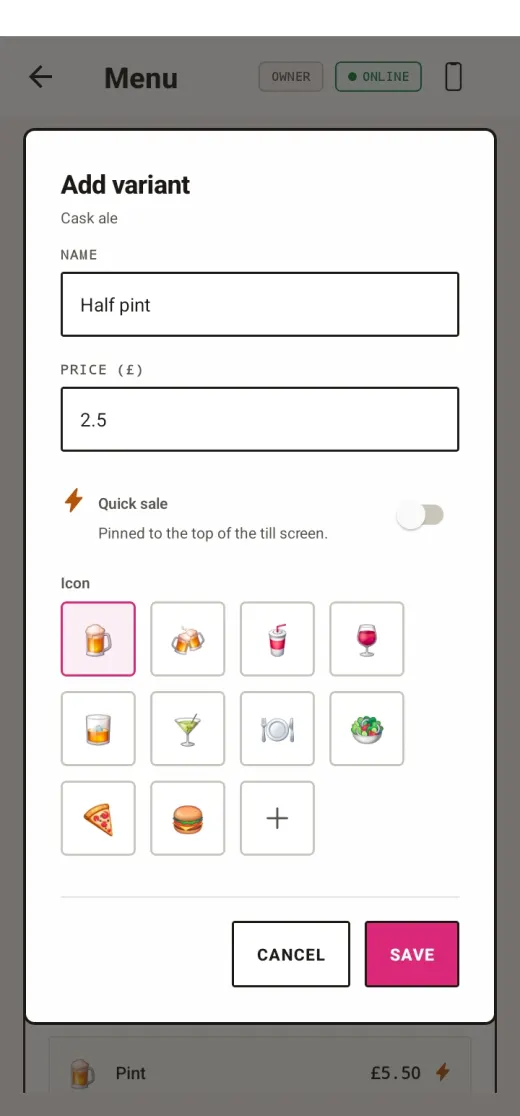
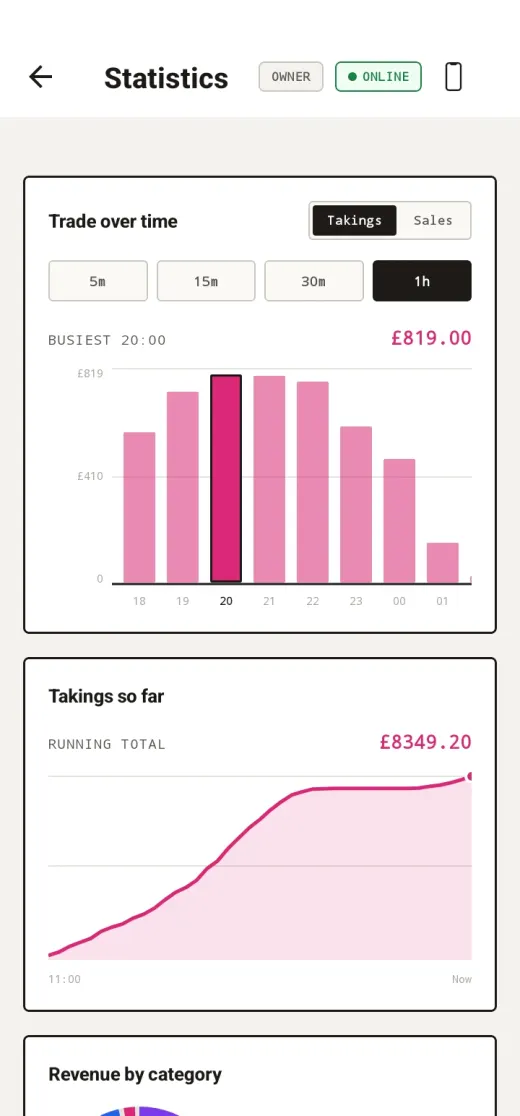
Event data is held in Google Firebase and stored in the European Union. Each account only ever sees its own organisation's data, and everything the app records comes back out as CSV: a transaction summary, the same transactions broken down to every line item, the customer list with tags and totals, and the menu. Deleting an event removes its customers, its menu and its sales history in one go.
The full detail is in the privacy policy, and the routes to having data removed are on the account deletion page.
Who makes it
Plink is built and run in the UK, independently. Support and everything else comes back to one address: hello@plinkapp.co.uk. If you are weighing Plink up for something and want to know whether it fits, that is the address to ask, and a plain description of what you are running is usually enough to get a straight answer.
- Platform
- Android, with the dashboard in any browser
- Tags
- Any 13.56 MHz NFC tag, pennies each
- Signal
- Optional, keeps working offline
- Money
- Optional, and not held by Plink today
- Price
- Free while Plink is in testing
- Data
- Stored in the EU, exportable as CSV
- Contact
- hello@plinkapp.co.uk